Archiving Strategy
Best Storage Formats for Family Archives
Digitization is only the first step. To ensure that the high-quality images and sounds restored from your analog past remain viewable 10, 50, or 100 years from now, choosing the correct file format is critical. This guide explores the balance between universal compatibility and long-term preservation.
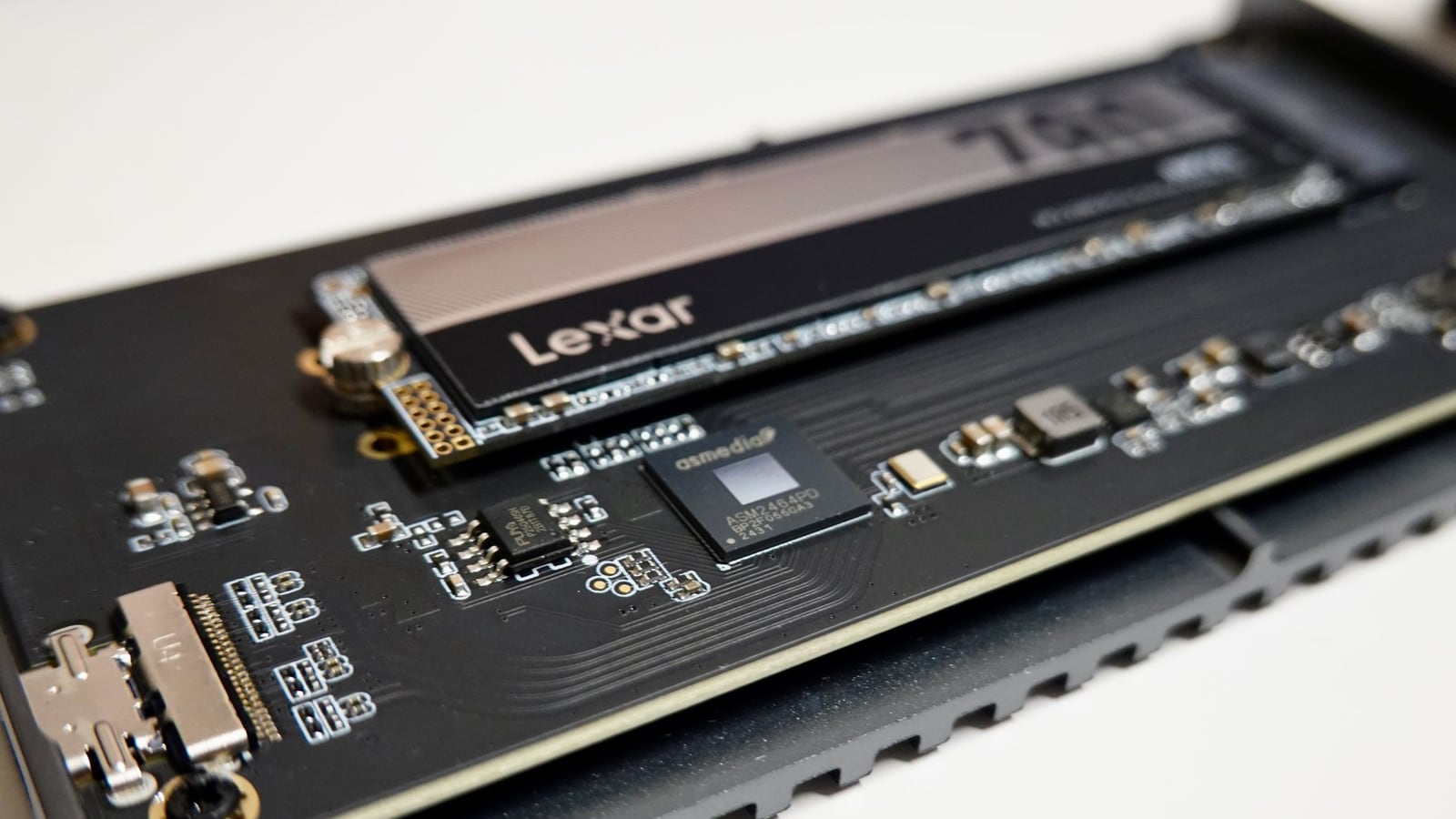
Many families face a common dilemma when receiving their digitized files: "Which format should I actually choose?" With terms like MP4, WAV, TIFF, and JPEG, it is easy to feel overwhelmed. The answer depends entirely on your primary goal. Are you looking for "daily convenience" (easy sharing on smartphones) or "permanent archiving" (preserving every bit of data for the future)?
1. Audio Formats: The Line Between Convenience and Quality
When digitizing cassette tapes or open reels, the most common choices are MP3 and WAV. MP3 is lightweight and ideal for cloud storage or sharing via messaging apps. However, MP3 is a "lossy" format, meaning it permanently removes audio frequencies that the human ear is less likely to perceive to reduce file size.
For true archiving, we recommend WAV (or FLAC). These are "lossless" formats that preserve the original information exactly as it was captured from the tape. This is vital because future noise-reduction technologies will require the original, uncompressed data to achieve better results.
2. Video Formats: The Importance of Compatibility
For VHS, 8mm, or Hi8 tapes, MP4 (H.264) has become the global standard. It offers an excellent balance between visual quality and file size, and it can be played on almost any modern device, from smart TVs to tablets.
While professional editors might seek higher bitrates or ProRes formats, MP4 is more than sufficient for home archives. The goal is not to artificially "upscale" the resolution, but to faithfully capture the original texture of the analog media within a container that will remain readable for decades.
3. Photo and Slide Formats: TIFF vs. JPEG
In film scanning, JPEG is incredibly convenient but suffers from "generation loss"—every time you edit and save a JPEG, the quality degrades slightly. In contrast, TIFF is a lossless format that stores every pixel captured by the scanner without any compression artifacts.
The most effective strategy is a two-tier approach: maintain TIFF files as your "Master Archive" and create JPEG copies for "Daily Viewing and Sharing." This ensures that if you ever wish to print a large-scale enlargement in the future, you have the highest possible resolution available.
4. Choosing Storage Media: Cloud and Physical Hardware
Once the format is decided, you must decide where to store the data. USB sticks and external HDDs are convenient but prone to physical failure. In the urban environment of Osaka City Kita-ku, where humidity can fluctuate, proper hardware management is essential.
The gold standard for data safety is the "3-2-1 Rule": keep 3 copies of your data, on 2 different types of media (e.g., one SSD and one HDD), with 1 copy stored in a physically separate location (such as a secure cloud storage provider). This minimizes the risk of total loss during hardware failure or natural disasters.
5. Comparison Summary of Storage Formats
| Use Case | Recommended Format | Advantages | Disadvantages |
|---|---|---|---|
| Audio (Archive) | WAV | Maximum quality, no loss | Very large file size |
| Audio (Sharing) | MP3 | Universal playback | Some audio data is lost |
| Video (Standard) | MP4 | Extremely high compatibility | Slight compression loss |
| Photos (Archive) | TIFF | Highest detail, best for editing | Massive storage requirement |
| Photos (Viewing) | JPEG | Lightweight, easy to send | Degrades with repeated saves |
6. Data Management in Osaka and Regional Considerations
At our studio in the business heart of Kita-ku, Osaka, we frequently consult with clients about "legacy digital media"—data stored on old CD-Rs or DVD-Rs. While these discs are often rated for 10 to 20 years, "disc rot" can make them unreadable much sooner.
The climate in Japan, particularly the high humidity during the rainy season (Tsuyu), can impact electronic hardware. We strongly recommend not only physical backups but a scheduled "migration" plan—moving your data to new hardware every 5 to 7 years to prevent obsolescence.
Expert Advice: When in doubt, always choose the higher-quality format (WAV or TIFF). It is simple to convert a high-quality file to a lower-quality one later, but it is technically impossible to restore quality once it has been discarded.
Summary and Next Steps
Digitizing your family history is more than a technical conversion; it is an act of preserving a legacy. By choosing the correct formats, you ensure these memories remain vivid and accessible for future generations.
If you are unsure about the current condition of your tapes or films, we recommend starting with a proper assessment. You can find detailed instructions in our Guide to Preparing Tapes for Digitization.
For professional conversion of your audio archives, please visit our Audio Tape & Reel Digitization service page.
If you have questions about which specific plan is right for your family's unique collection, please feel free to reach out via our contact form.